
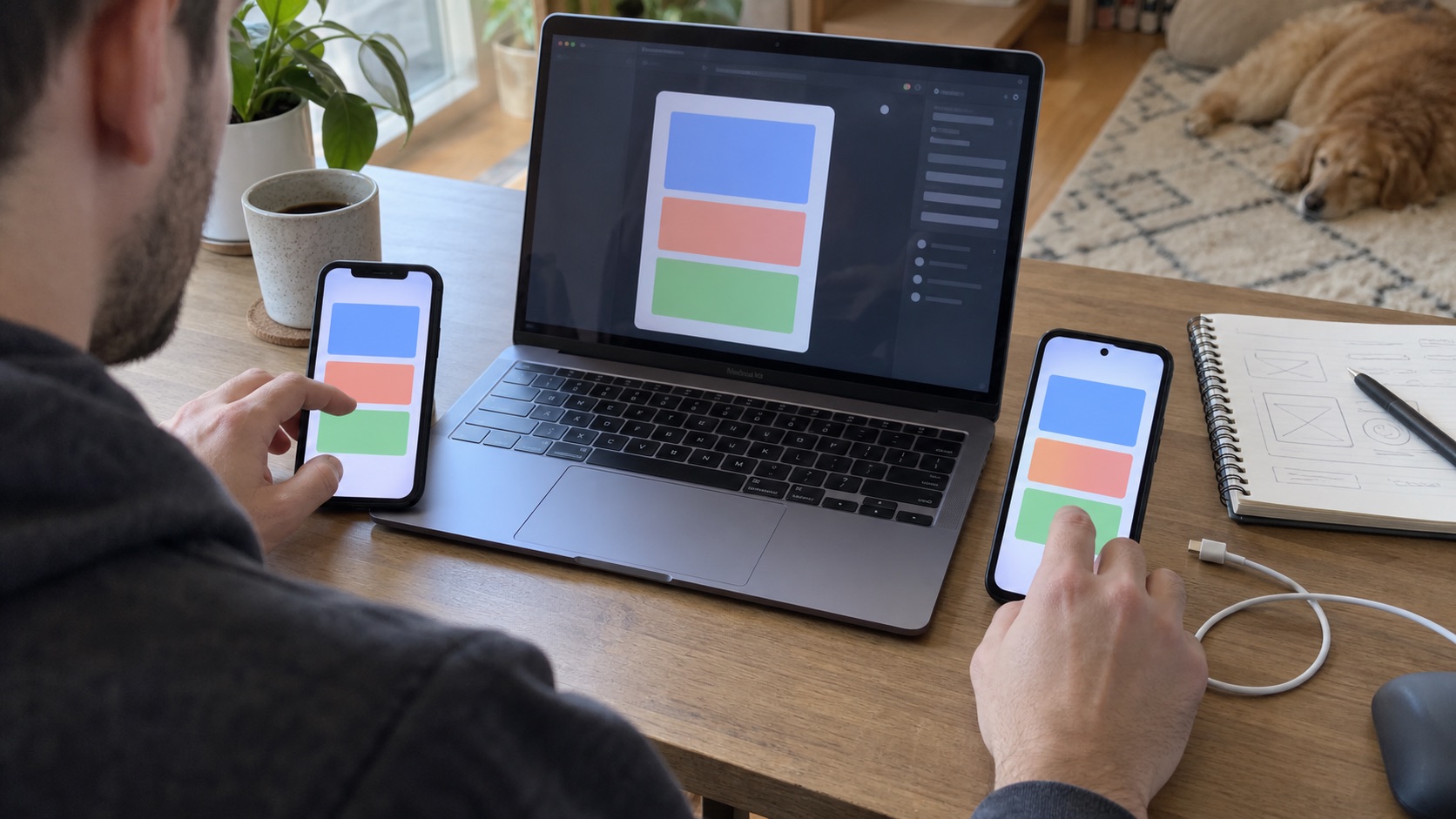
Building for iOS and Android is not simply exporting the same screen twice. A shared codebase can reduce duplicated product work, but each platform still has its own devices, permissions, signing, store listing, review process, and user expectations.
Decide whether you need both platforms now
Start with audience evidence. If nearly every early customer uses one platform, launching there first can shorten the feedback loop. Build both when broad reach is important, the workflow must serve mixed-device teams, or a shared framework makes the additional release work proportionate.
Choose native or cross-platform development
Native development uses the platform’s primary tools and interface frameworks. It offers direct access to new platform features and maximum platform-specific control, but separate implementations can increase duplicated work.
Cross-platform frameworks share much of the interface and business logic. Flutter supports mobile, web, and desktop targets from a shared project while still allowing platform-specific integrations. Review the current Flutter deployment documentation for release requirements.
Choose based on the hardest requirement: deep background execution, specialized hardware, graphics, offline behavior, accessibility, team expertise, and the expected pace of platform-specific change.
Design a shared journey with native expectations
Keep the product model consistent while respecting platform conventions. Navigation, back behavior, permission prompts, keyboards, share sheets, notifications, and payments may differ.
Define responsive rules rather than copying fixed pixel positions. Test text scaling, safe areas, small phones, tablets if supported, light and dark modes, and interrupted sessions.
Build the backend as a separate concern
The mobile client should not contain privileged secrets or decide authorization alone. Put authentication checks, sensitive operations, and data access rules on trusted infrastructure.
Plan environments for development, testing, and production. Add logging and error reporting that help diagnose a failed action without collecting unnecessary personal data.
Test on real devices
Simulators are fast, but real devices expose camera behavior, notifications, power constraints, poor networks, biometric prompts, and touch ergonomics. Test supported operating-system versions and at least the devices most representative of your audience.
Use beta distribution before public launch. Apple provides TestFlight for beta feedback; Google Play offers testing tracks. Check current store documentation because submission requirements change.
Prepare two store submissions
You need platform identifiers, signing credentials, icons, screenshots, descriptions, privacy disclosures, support details, and review access. Keep store accounts under the business owner’s control.
Apple’s submission guidance recommends preparing metadata and learning the review guidelines during development. Make the submitted experience complete: live backends, working demo access where required, and accurate screenshots. For the Android side, see how to publish an AI-built app to Google Play, including the closed-testing period new personal accounts must complete before a public release.
Plan releases after version one
One codebase does not eliminate release management. Track platform-specific bugs, dependency updates, policy changes, and staged rollouts. Automate repeatable build and test steps, then keep a manual review for store content and critical journeys.
Frequently asked questions
Is Flutter good for iOS and Android apps?
Flutter is a strong option when a shared product experience and codebase are valuable. Validate specialized native requirements early and budget for platform-specific setup and testing.
Can I publish the same app to both stores?
You can offer the same product, but each store receives its own build, listing, credentials, declarations, and review. Policies and billing rules may differ.
Should I launch a web app first?
A web version can be useful for validation and easy sharing, but it may not test mobile-specific value such as sensors, offline behavior, or notifications. Choose the first platform that can prove the core hypothesis.
Compare the strategic tradeoffs in native versus cross-platform development or start from the complete app creation guide.